Product
Everything a bid touches, from request to kickoff.
Every build starts with the bid list and follow-ups. The rest is chosen with you. Each part below runs today at American Refrigeration or HECO Limited.
Set up the demo for your shopBid list
Every bid in one list, with an owner and a next step.
- Search, filter by status, owner, amount or dates, and save views for each person.
- Change a status or an owner right in the list. Lost bids need a reason.
- One page per bid with notes, files, the follow-up log and linked bids such as alternates.
- In the demo, the list turns into rows you can read with one thumb on a phone.
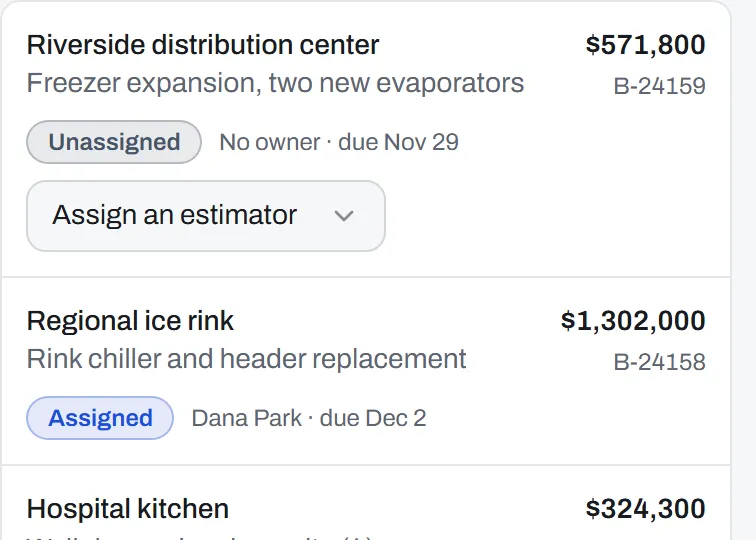
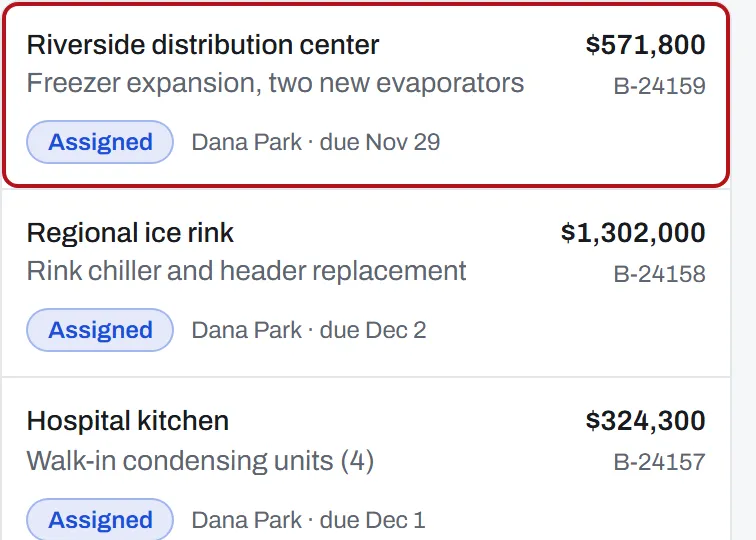
Before: bid list with a bid that has no owner. After: the same bid list with the bid assigned to an estimator.

Follow-ups
Quiet bids get caught before they're lost.
- Sent quotes are sorted by age, and the ones past two weeks stand out.
- A stale list shows open bids nobody has touched in 30 days or more.
- Each follow-up is logged: who you talked to, what they said and when to call next.
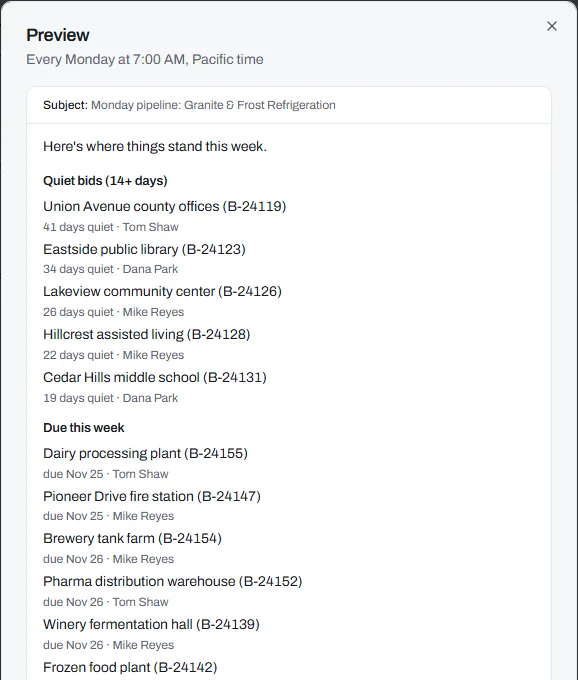
- A morning page lists new bids, bids due this week and quotes waiting on an answer.
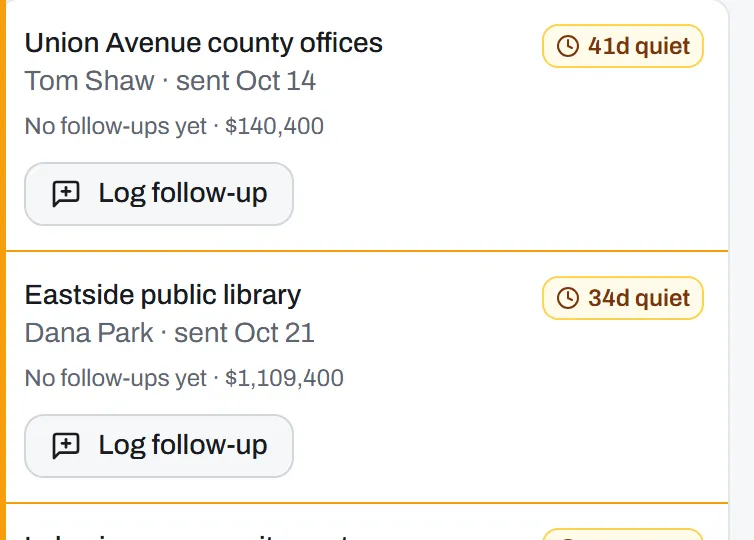
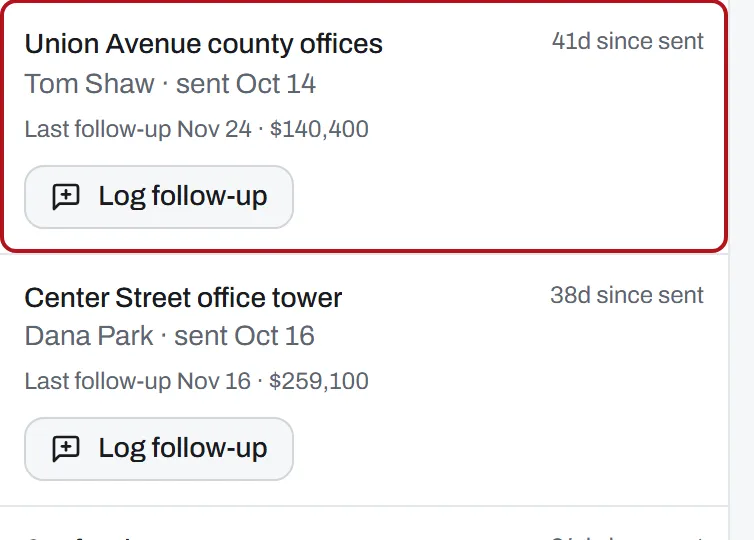
Before: sent quotes waiting on a follow-up. After: the same quote with today's follow-up logged.

Requests
Requests come in through a form, not a forwarded email.
- Sales reps and field techs send a bid request from a phone, with photos or files attached.
- Every request waits in a review queue until someone acts on it.
- Convert it to a bid with the details already filled in, or reject it with a reason that's kept.
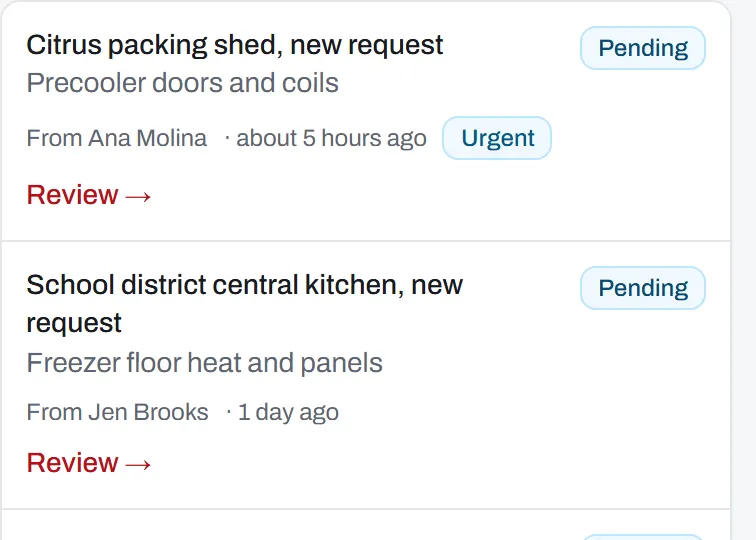
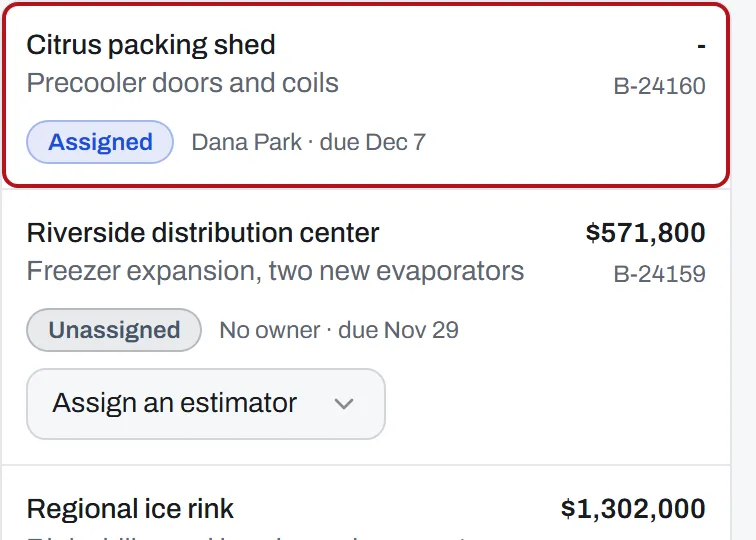
Before: queue of incoming bid requests. After: the request now in the bid list with an owner.

Owner's view
What's out, what's due and who's winning, without asking around.
- Open bids and value by stage, unassigned bids and estimator workload.
- Win and loss this year, compared with 30 days ago, and what changed in the last seven days.
- Summaries on a schedule, set up around what each person needs, with no dollar figures.
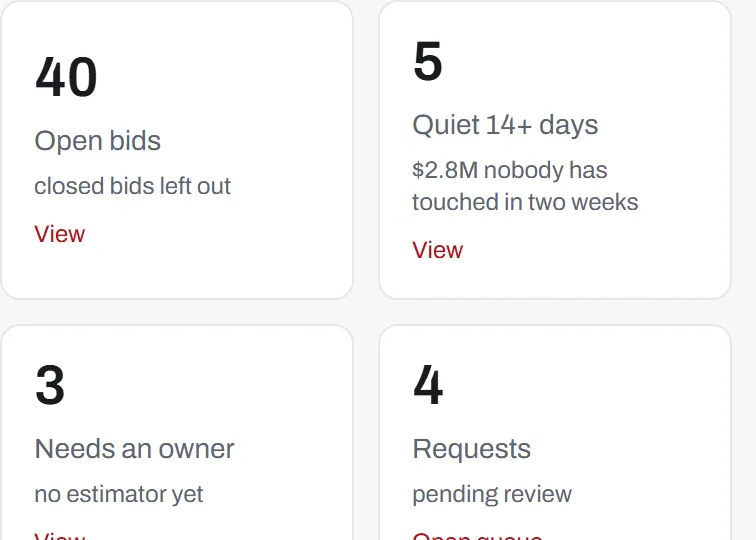
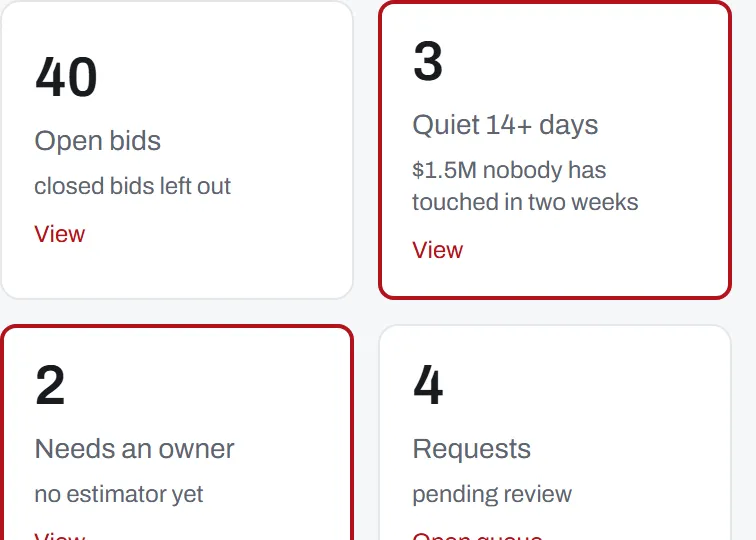
Before: owner's view counting quiet and unowned bids. After: the owner's view with lower counts after follow-ups and an assignment.

Won work
When you win, the scope goes to the field with the job.
- Build a proposal from the bid, with your standard terms, and download it as a Word file.
- A handoff form per awarded job: scope by trade, risks, billing terms and who needs to be at kickoff.
- A kickoff log shows which won jobs have had their meeting, and which are overdue.
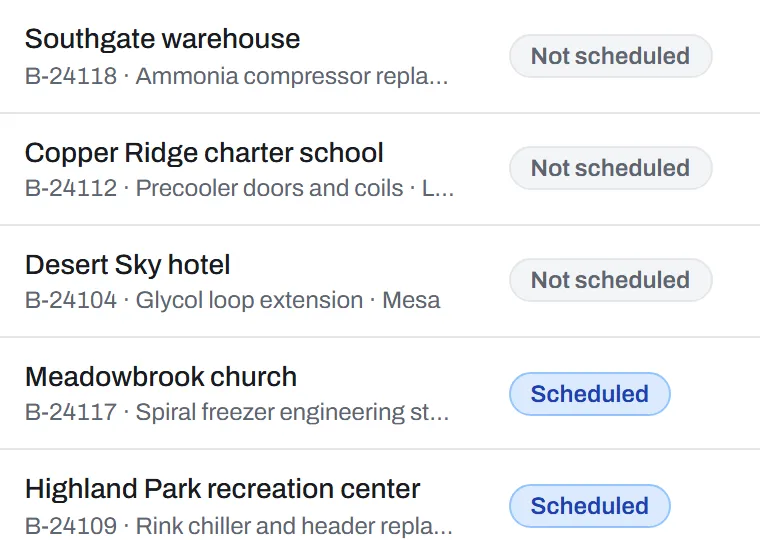
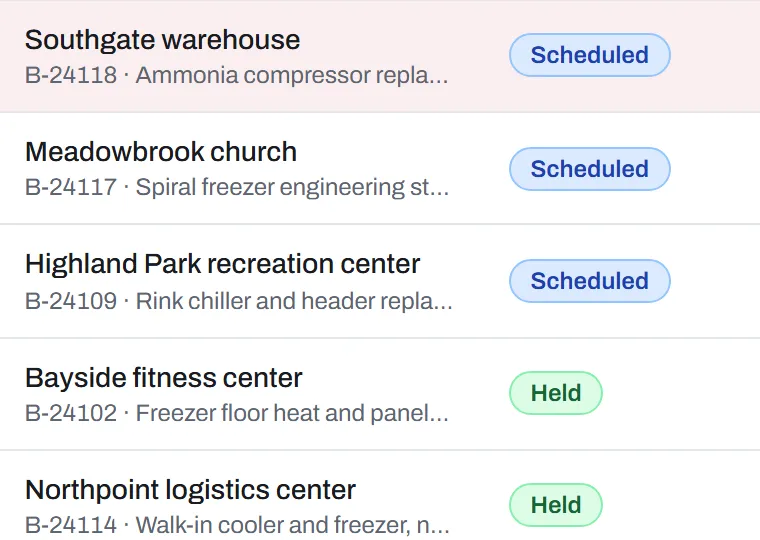
Before: kickoff log with a won job not yet scheduled. After: the same job with its kickoff meeting scheduled.


Small jobs
Small service quotes, kept apart from project bids.
- A quick quote log for service-size work, so it doesn't crowd the bid list.
- Its totals still count, so the owner sees all the work quoted.
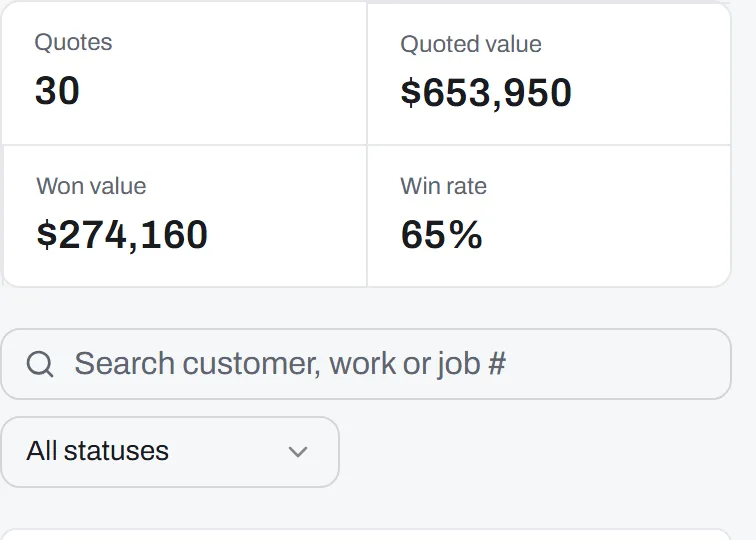
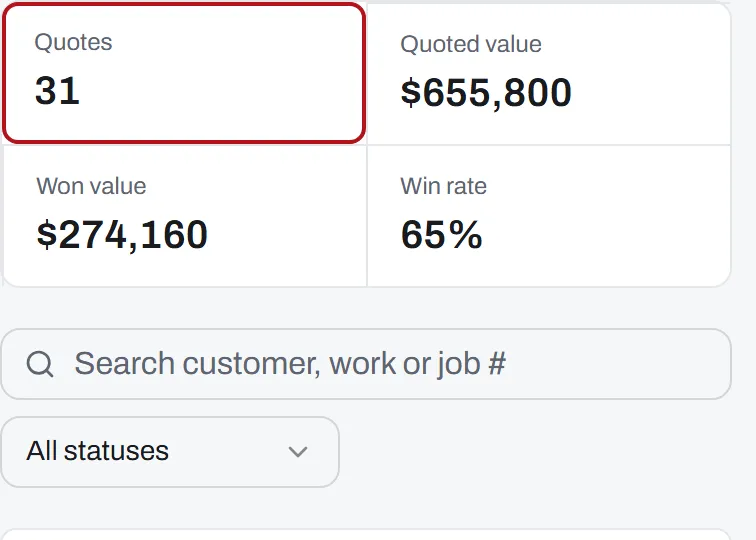
Before: small jobs totals. After: small jobs totals after a new quote is added.

In every build
The parts every build has.
Roles and margin
You choose which roles see margin and who can change margin and price. In the demo, sales sees the amount but not the margin.
Import and export
Import CSV or Excel with a column match and a row-by-row preview. Export reports to Excel and any bid to Word.
History and activity log
Every change is logged with who and when. Time from request to submission and from submission to award is worked out for you.
Your statuses
Rename, recolor, reorder and retire statuses without a developer, and decide which ones count as open.
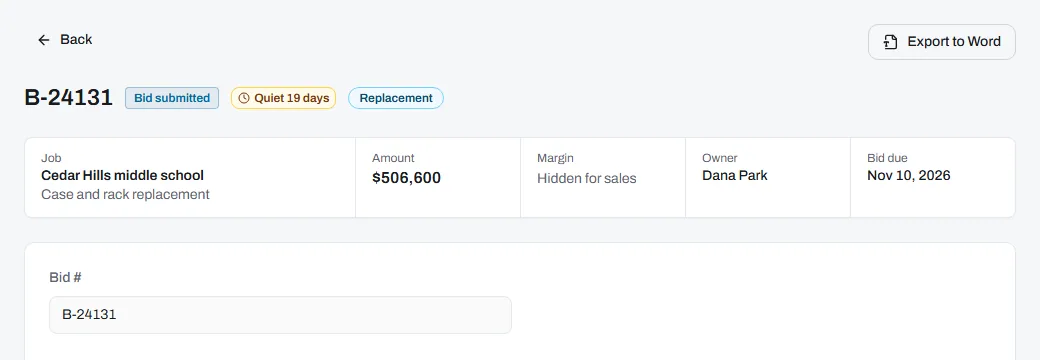
Don't see what you need? I build it.
Tell me what your team needs. In 48 hours you get a private demo built from your bid sheet, with your columns, statuses and trades.
Get a free sample